
Blurry in. Sharp out.
Fix Blurry Photo
Upload a blurry photo. We work out why it is blurry, pick the right fix, and remove the blur.
or drop it anywhere · paste with Ctrl + V
Gallery
Real photos, fixed by UnblurPix
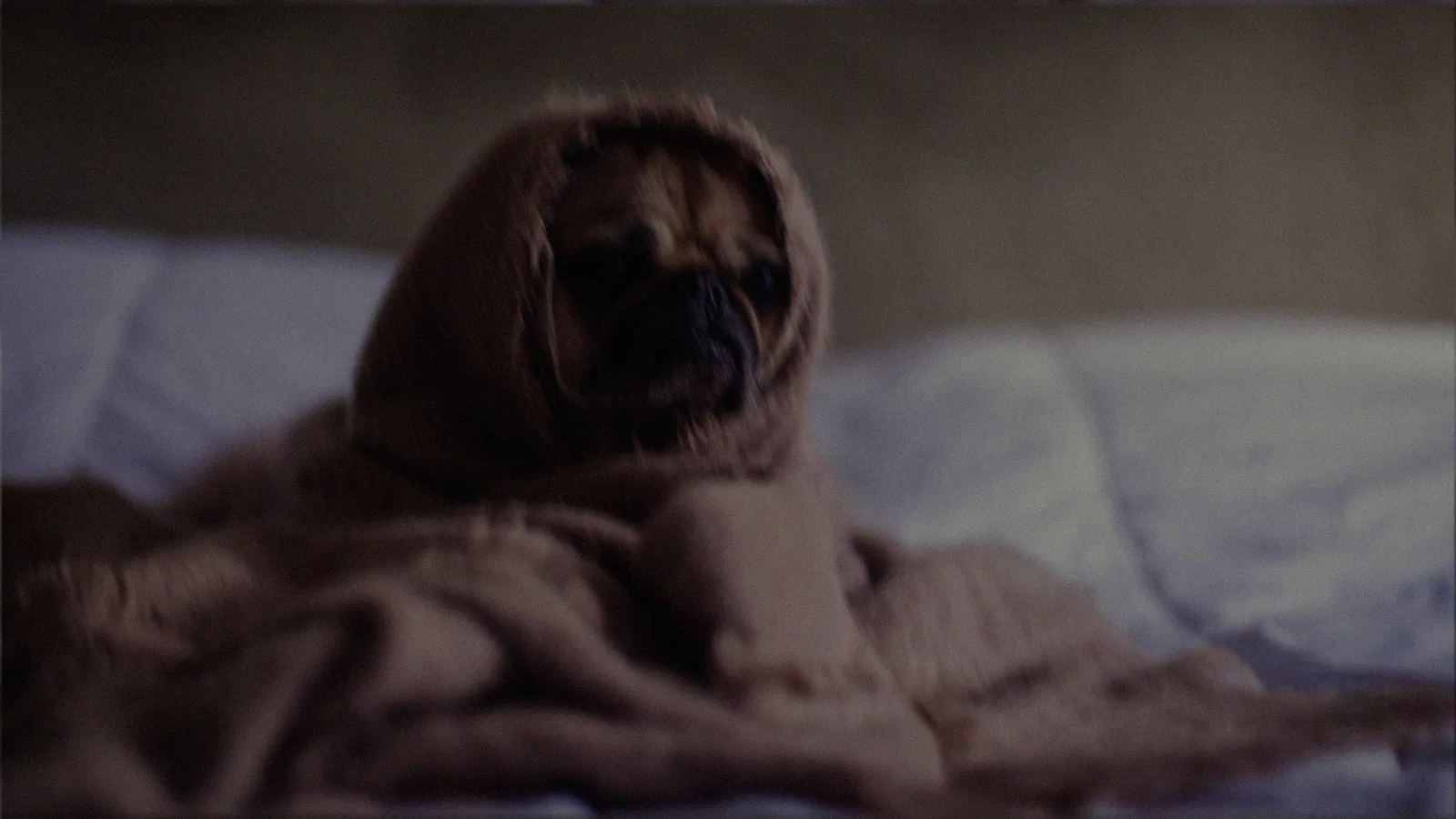
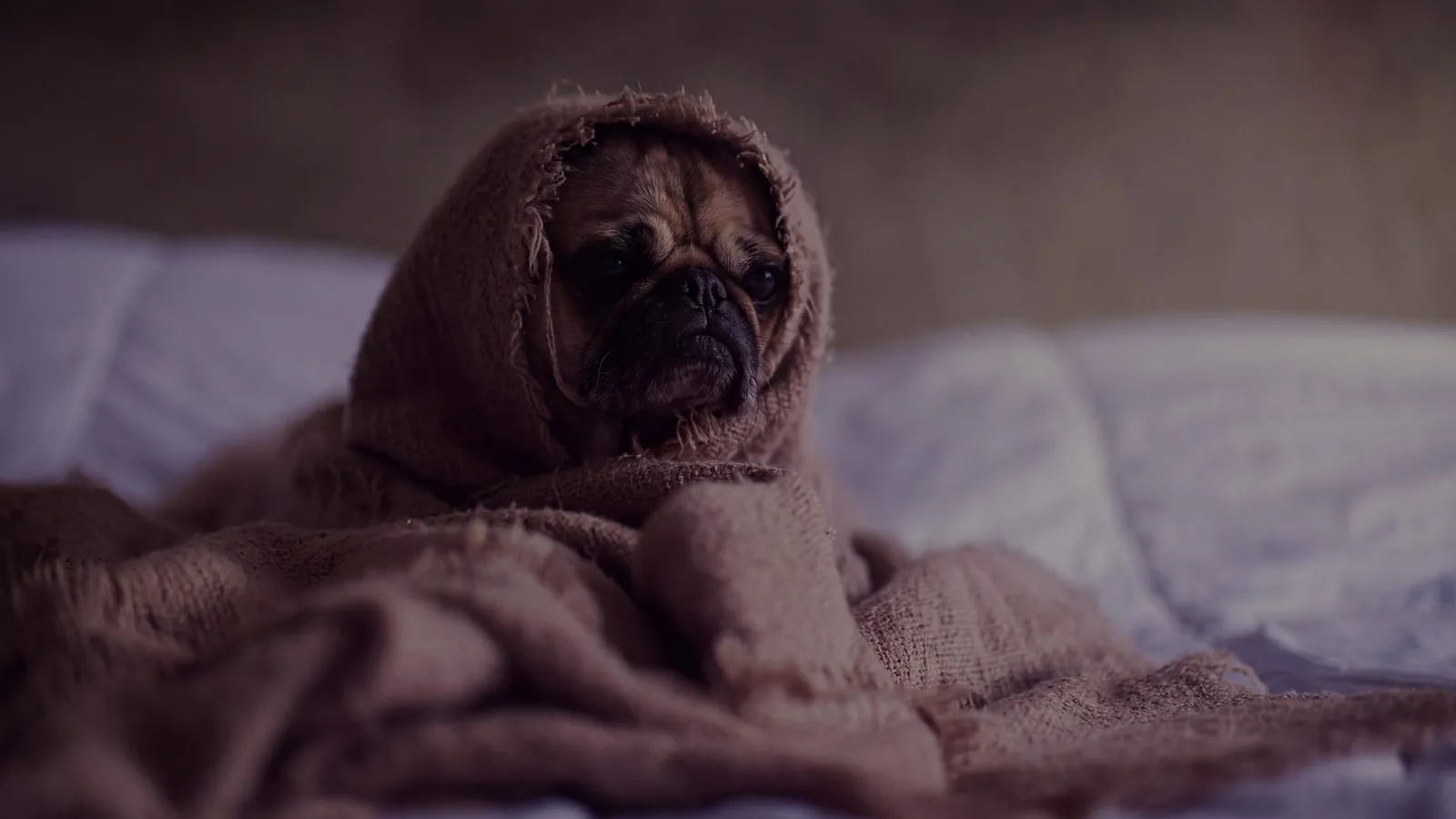
Hover any card to see the photo as it came in.
-
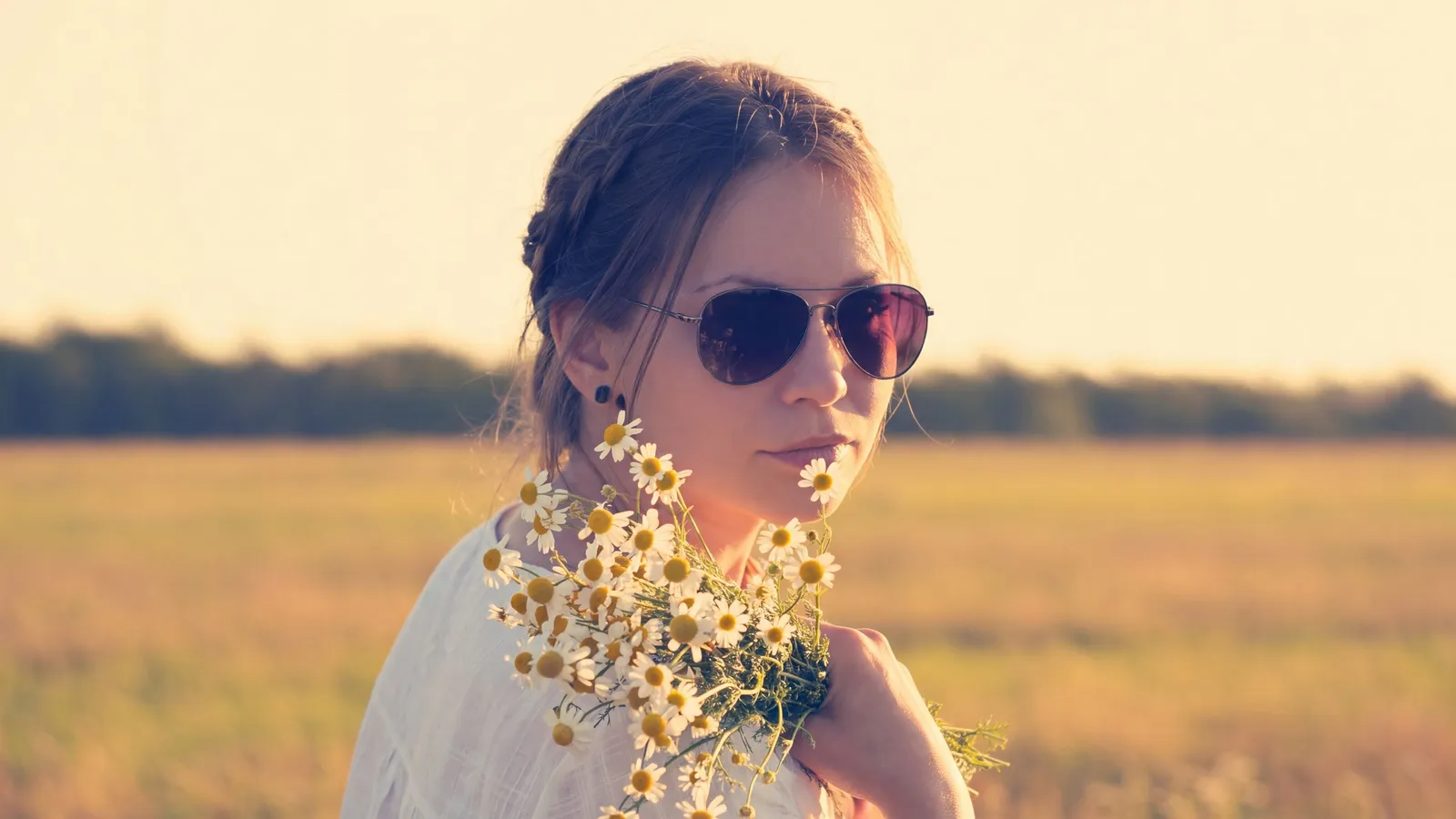
 After Before
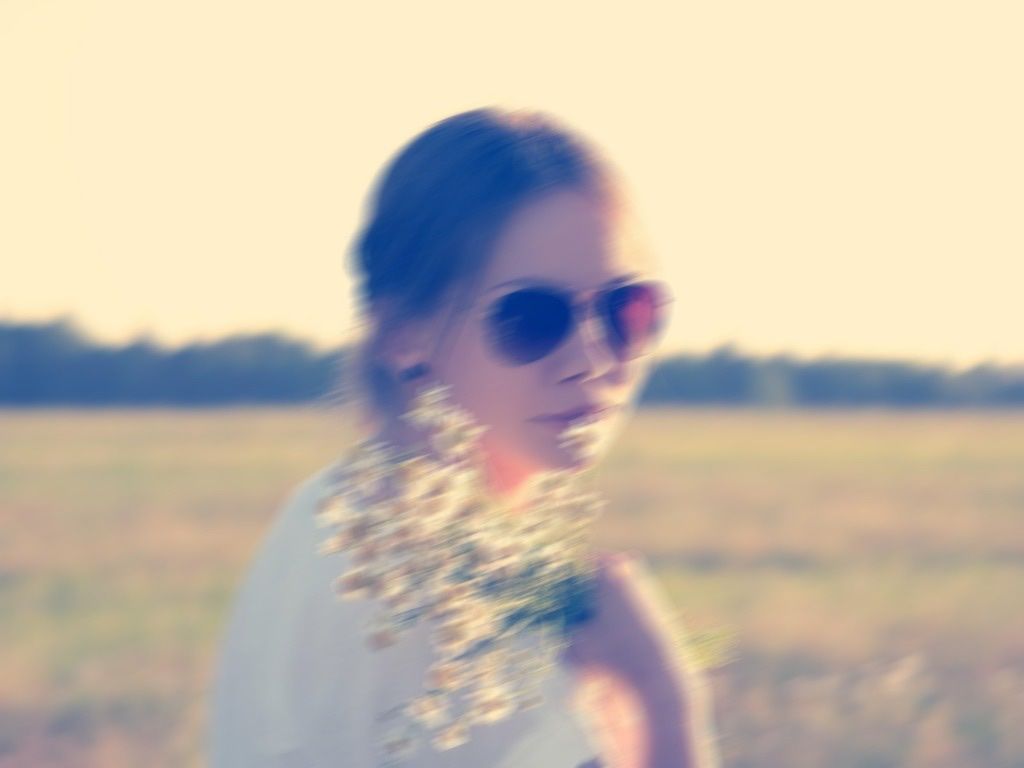
Motion blur
Shaky hands, moving subjects, night shots.
-
 After Before
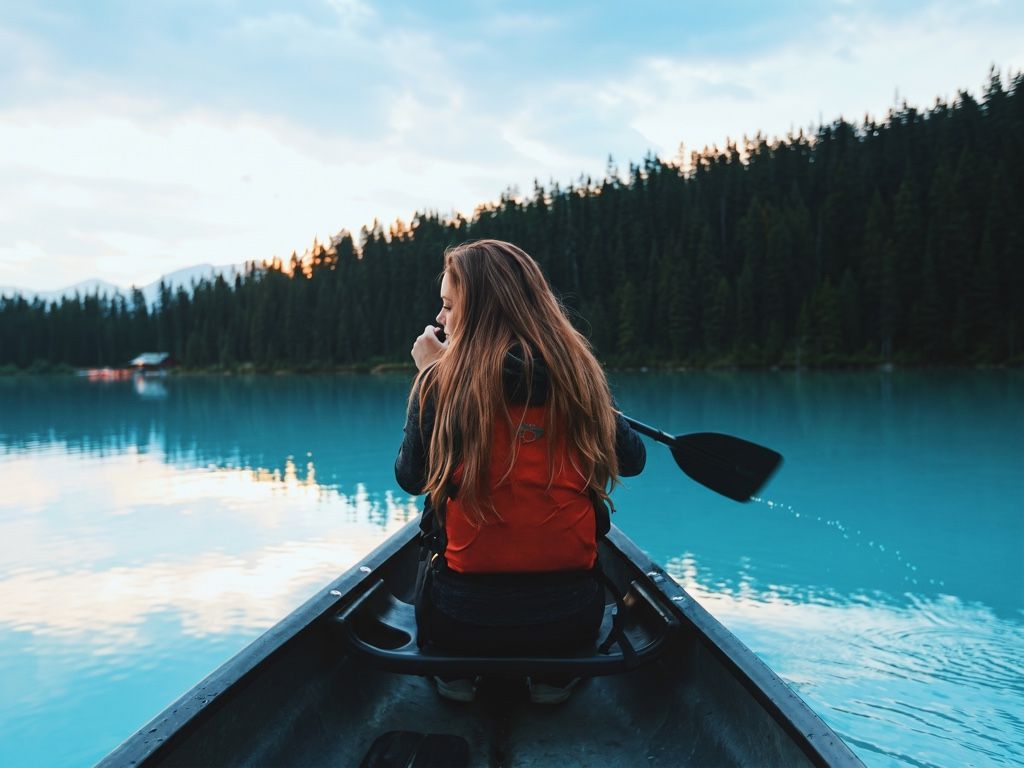
Blurry and low-res
Old phones, zoomed-in shots, images saved too many times.
-
 After Before
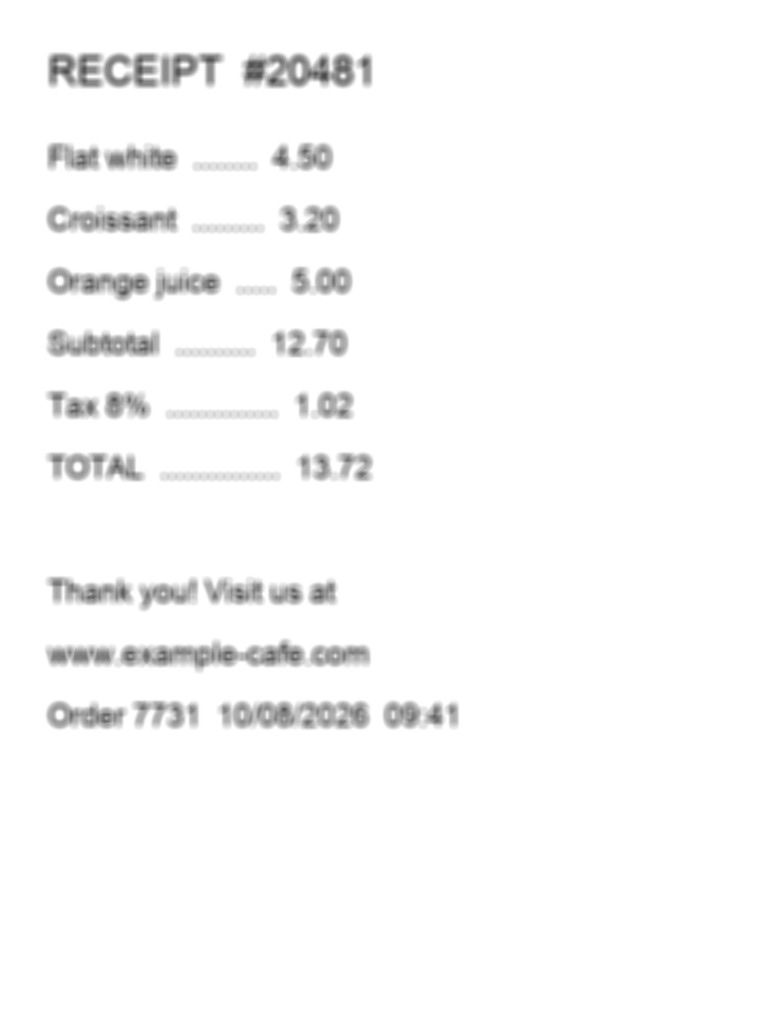
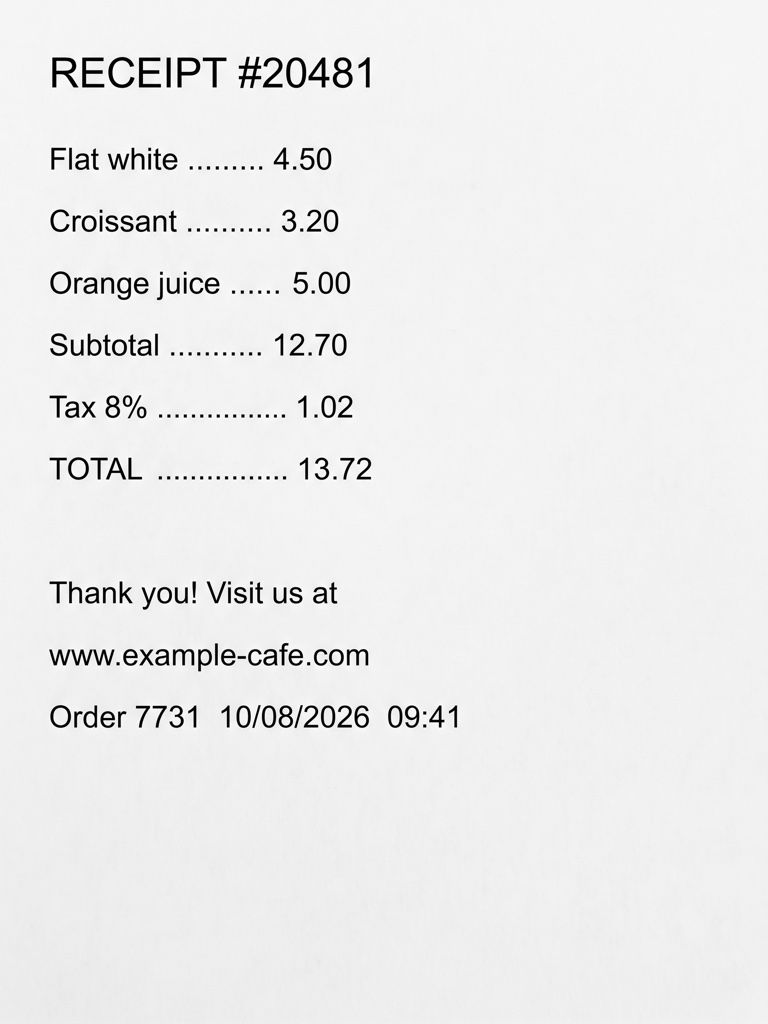
Out-of-focus text
Receipts, documents, screenshots. Always double-check the numbers.
Real results
Every kind of blur, its own fix
Real test photos, untouched on the left. We check what went wrong with the shot and pick the fix for it.
What it’s for
Made for the photos you actually have
Camera shake
Your hand moved while the shutter was open, so everything smears in the same direction. Motion mode removes the streaks without bending straight lines.
A moving subject
The background is sharp but a runner, a dancer or a car is smeared. Motion mode works on the part that moved and leaves the rest alone.
Out of focus
The camera focused on the wrong thing and the subject went soft all over. Focus mode brings back crisp edges and fine texture.
Low light
Indoors and at night the camera uses a slow shutter and high sensitivity, which adds both blur and grain. The AI removes the blur and calms the noise.
How to fix a blurry photo
Three steps, about half a minute
Upload the blurry photo
Drop, paste or pick a JPG, PNG, WEBP or HEIC file up to 20 MB. Nothing is sent anywhere until you start.
See what caused the blur
Your browser measures the blur, finds its direction and picks Motion, Focus, Portrait, Text or Old photo. Change the mode if you know better.
Remove the blur and download
Start the fix, compare before and after with the slider, and save the sharp version in full resolution.
Why UnblurPix
Sharp, honest and private
A diagnosis before the fix
You see how sharp the photo is, what kind of blur it has and which direction it runs, before you spend anything.
The right mode for each cause
Camera shake, a moving subject, missed focus, text and old prints each get their own instructions for the AI.
A free redo when it drifts
Every result is checked against your photo. If the layout, colors or faces drifted, UnblurPix fixes it again once for free.
Free every day
Standard fixes are free, 2 a day without an account, in full 2K with no watermark.
Pricing
Free every day. Pay only for more
Standard unblurs are free. Credits are for Pro, 4K and going past the daily limit.
Privacy
Your photos stay yours
Family pictures and screenshots are personal. Here’s exactly what happens to them.
- Free photos and results are deleted after 24 hours (7 days if you used credits, so you can come back to them).
- We don’t use your photos to train AI, and we pick AI providers that don’t allow training on them either.
- Download links are private and expire after 60 minutes.
- Operated by Arrayon Inc. Read the privacy policy.
The four reasons a photo comes out blurry
Almost every blurry photo has one of four causes, and each leaves its own mark.
Camera shake. The camera moved while the shutter was open. The whole picture smears in one direction, including the background, and small lights turn into short streaks that all point the same way. It is most common with zoom, in dim rooms and when you tap the shutter button hard.
A moving subject. The camera held still but the subject didn’t. The background is sharp while a person, a pet or a car is stretched along the way it moved. Sports, children and street photos often look like this.
Missed focus. The lens focused at the wrong distance, often on the background behind a face. Nothing is stretched; edges just spread out evenly, like looking through frosted glass. Something in front of or behind the subject may still be sharp.
Low light. In the dark the camera keeps the shutter open longer and turns up its sensitivity. You get a mix of shake, softness and grain. Night mode on phones helps, but it can still smear anything that moves during the long exposure.
How to tell which one you have
Zoom in on the photo and find a point of light, a corner or the edge of a letter. If it is pulled into a line, you have motion blur, from shake or from the subject. If the background is sharp and only the subject is pulled, the subject moved. If points spread into soft round blobs and nothing is stretched, the photo is out of focus. Grain on top of either means low light played a part.
UnblurPix does this check for you. When you pick a photo, your browser measures its sharpness, the type of blur and the angle of any motion, and looks for faces and text. You see the result before anything is uploaded.
Which mode fixes which blur
The tool turns the diagnosis into a mode tag, and each mode gives the AI different instructions:
- Motion for camera shake and moving subjects: remove the streaking without changing any shapes.
- Focus for missed focus: recover fine detail and crisp edges.
- Portrait when faces matter most: keep each person’s identity and expression exactly.
- Text for signs, receipts and documents: make letters legible without changing a single character.
- Old photo for scanned prints: also clean dust and scratches, without adding color.
Auto lets the diagnosis decide. You can switch the mode before you start, and the tool remembers your choice if you crop or turn the photo.
Fixing the photo versus taking it again
If you can still take the picture again, a retake beats any repair. Hold the phone with both hands, lean on something steady, tap on the subject to set the focus, and let the camera finish before you lower it. In dim light, add light rather than relying on night mode.
When the moment is gone, a fix is the next best thing. Standard is free 2 times a day and is enough for most phone photos. Pro costs 3 credits and runs two AI models, which helps with heavy shake and with faces. 4K costs 6 credits and gives a 4K result for prints.
When a blurry photo can’t be fixed
AI removes blur by rebuilding plausible detail from what the photo still holds. It doesn’t recover information that was never recorded. Very strong shake, where a face is a long smear, or a photo so dark that it is mostly noise, leaves the AI little to go on, and it would have to make up the missing parts. UnblurPix also isn’t meant for undoing deliberate blur or pixelation used to hide a face, a number plate or private text; that detail is gone, and our terms don’t allow trying to unmask it.
If a result looks wrong, look at what changed. A shifted face or new objects mean the photo had too little to start from. Try a different mode, crop tighter, or keep the original.
FAQ
Questions people ask
How do I fix a blurry photo for free?
Upload it here and press the button. Standard fixes are free: 2 a day without an account, 4 with a free account, with no watermark and in full 2K.
How can I remove blur from a photo?
First find out what caused it. Motion blur and missed focus need different fixes, which is why UnblurPix diagnoses the photo first and picks a mode. A sharpen slider only raises edge contrast; it can’t undo real blur.
How do I know which kind of blur my photo has?
Zoom in on a small bright point or a hard edge. If it is stretched into a line, that is motion blur. If it spreads out evenly like a soft ball, the photo is out of focus. The diagnosis shows the same thing as a blur type and an angle.
Can every blurry photo be fixed?
No. Light blur and moderate shake usually fix well. A photo where the subject is only a smear, or so dark that almost nothing was recorded, has too little left, and the AI would have to invent the missing parts.
Why does my photo still look a little soft?
The AI is told to stay close to your photo rather than invent detail. Try Pro, which runs two models, or 4K for a bigger result. If the original is very small, upscale-style results can’t add real detail.
Will fixing the blur change the photo?
It should only remove the blur. The framing, colors and people are meant to stay the same, and each result is checked for drift. If you see a change you don’t want, brush that spot back with the Restore brush.
Does it work for videos?
Not yet. UnblurPix fixes still photos. You can take a screenshot of a video frame, but a screenshot holds less detail than a real photo.
Is it safe to upload my photos?
Your photo is only used to make your result and is never used to train AI. Free photos and results are deleted after 24 hours.
Got a blurry photo right now?
Try it on one picture. It’s free, and it takes about half a minute.