Blurry in. Sharp out.
Make Image Clearer
Turn a soft, small or over-compressed picture into a clear one, with crisp edges and readable text.
or drop it anywhere · paste with Ctrl + V
Gallery
Real photos, fixed by UnblurPix
Hover any card to see the photo as it came in.
-
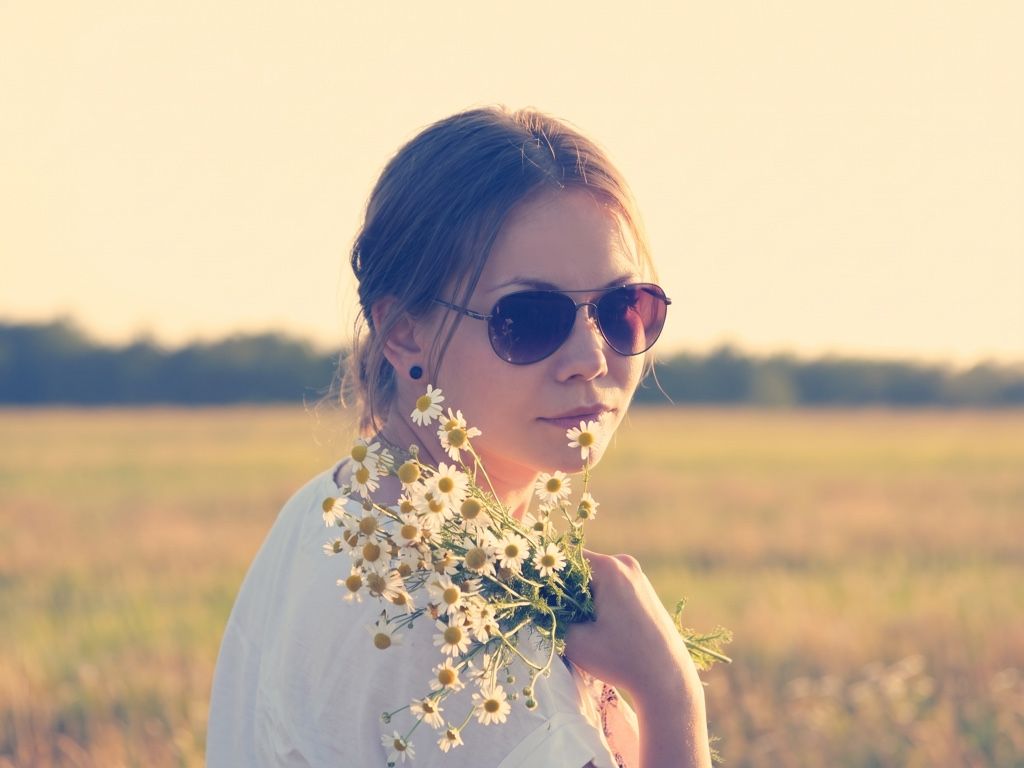 After Before
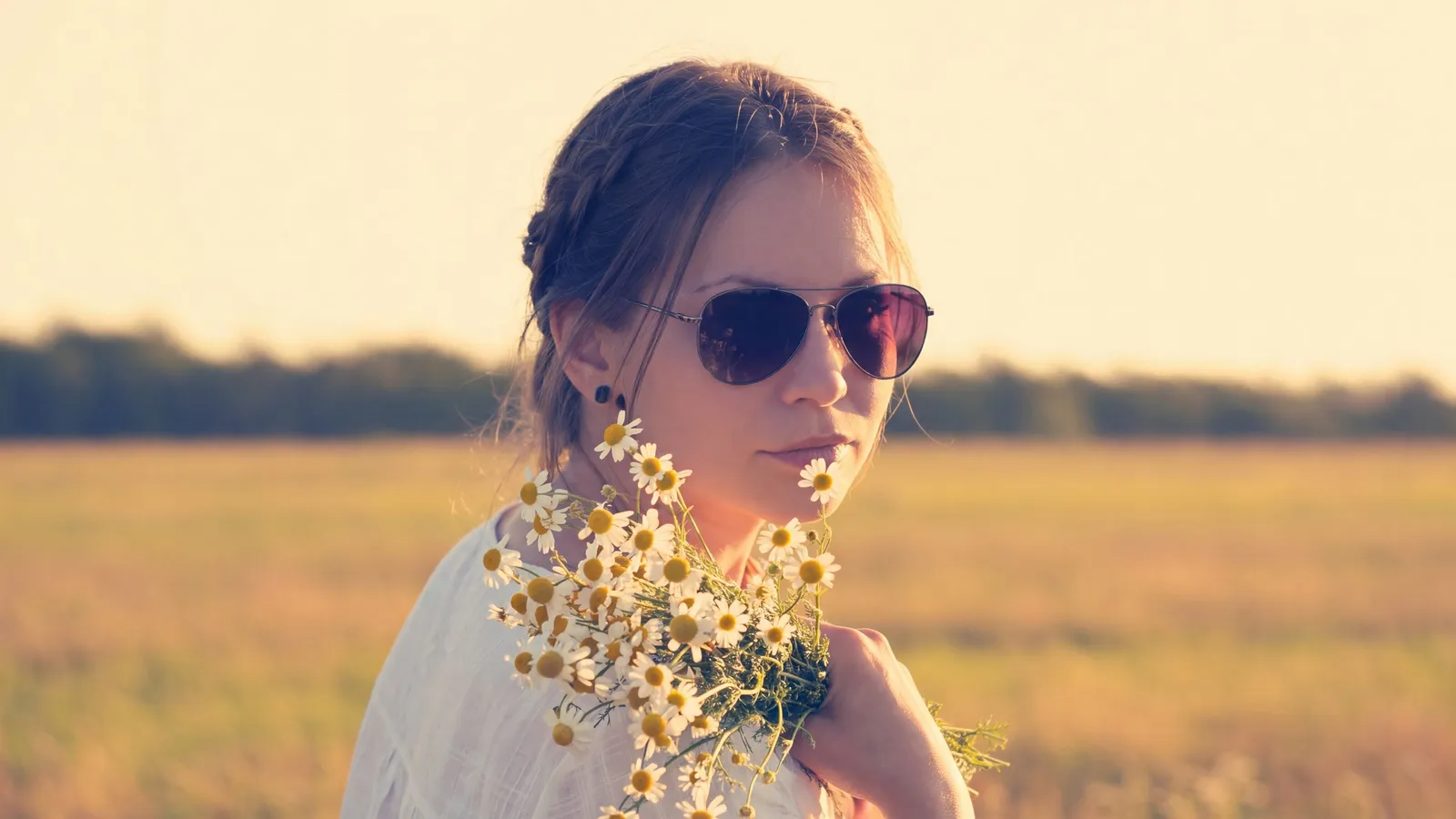
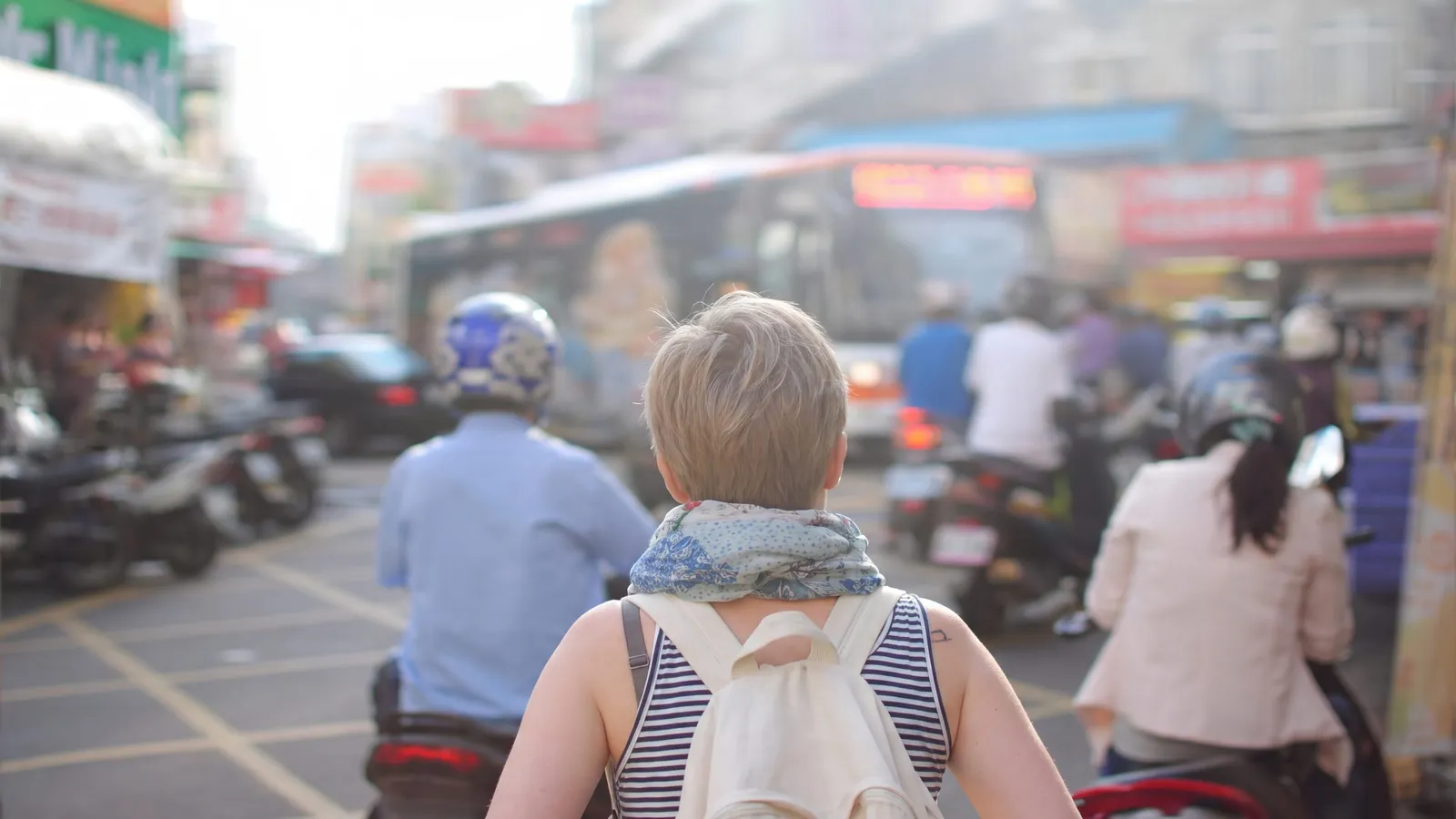
Motion blur
Shaky hands, moving subjects, night shots.
-
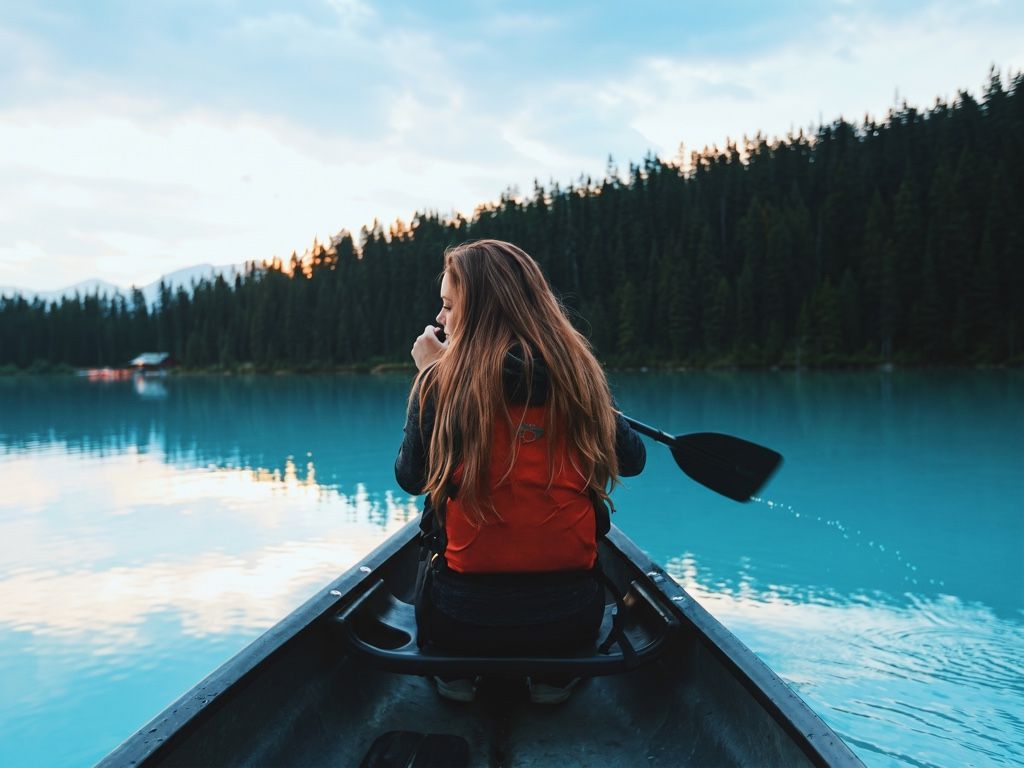 After Before
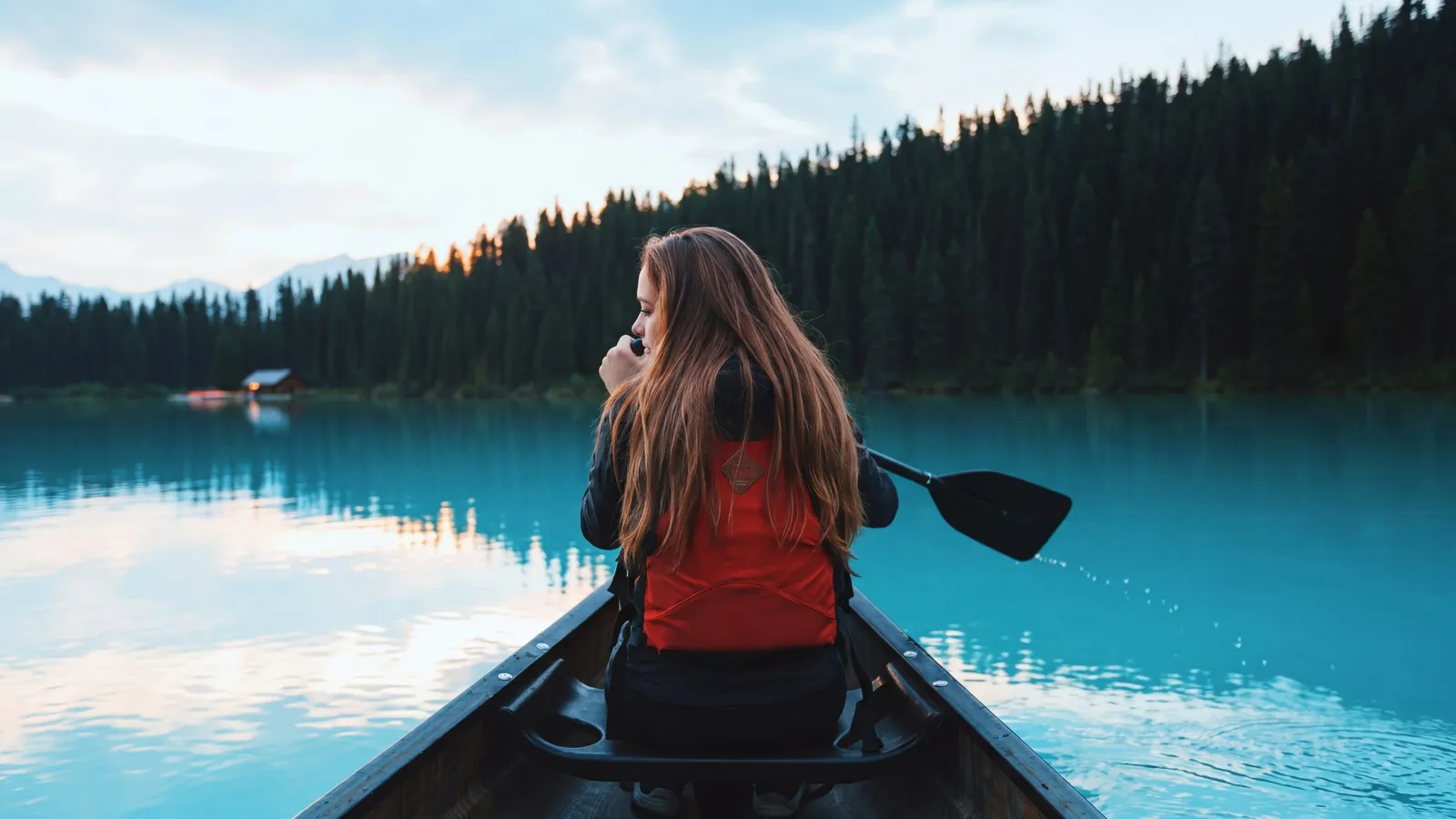
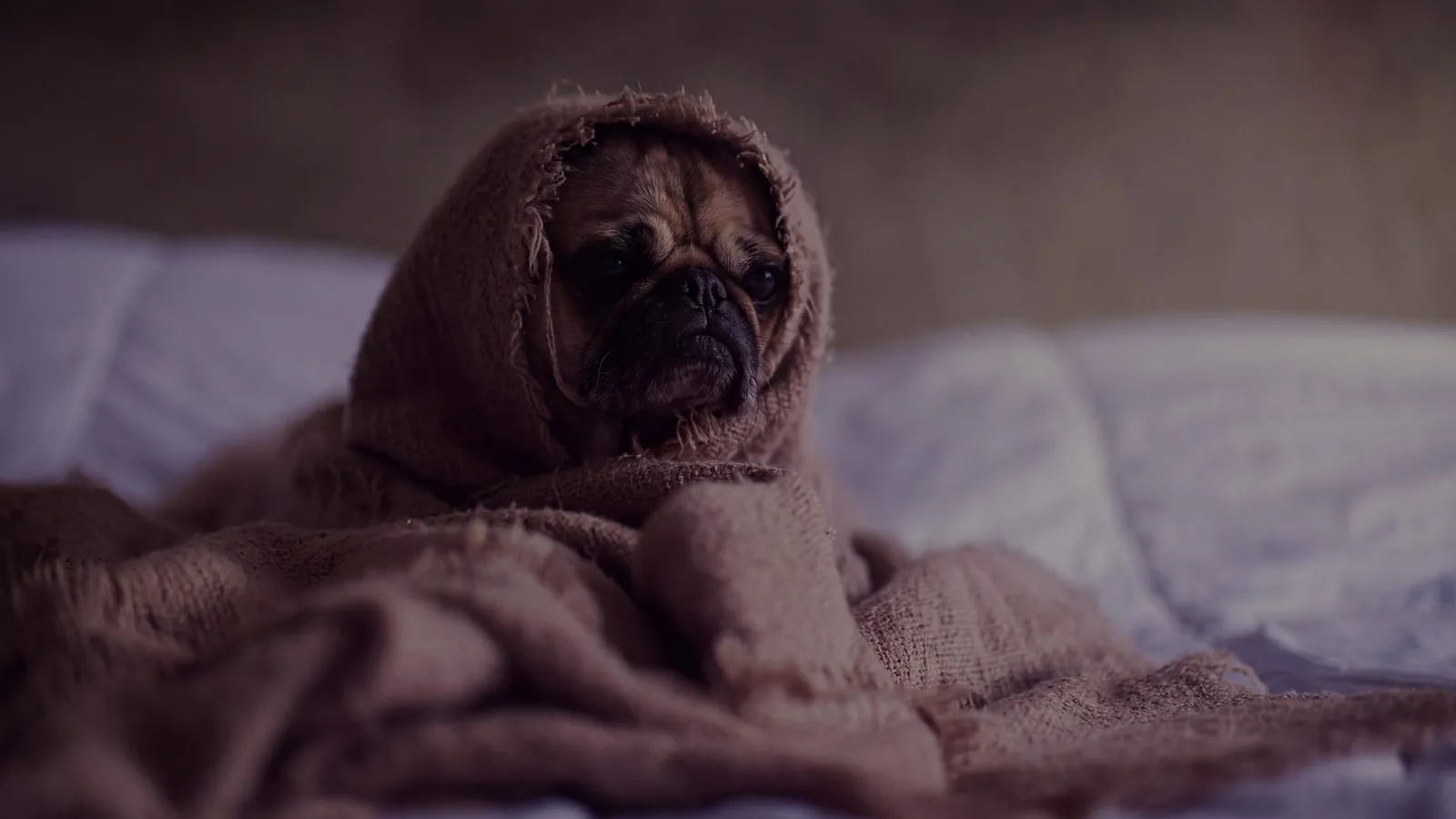
Blurry and low-res
Old phones, zoomed-in shots, images saved too many times.
-
 After Before
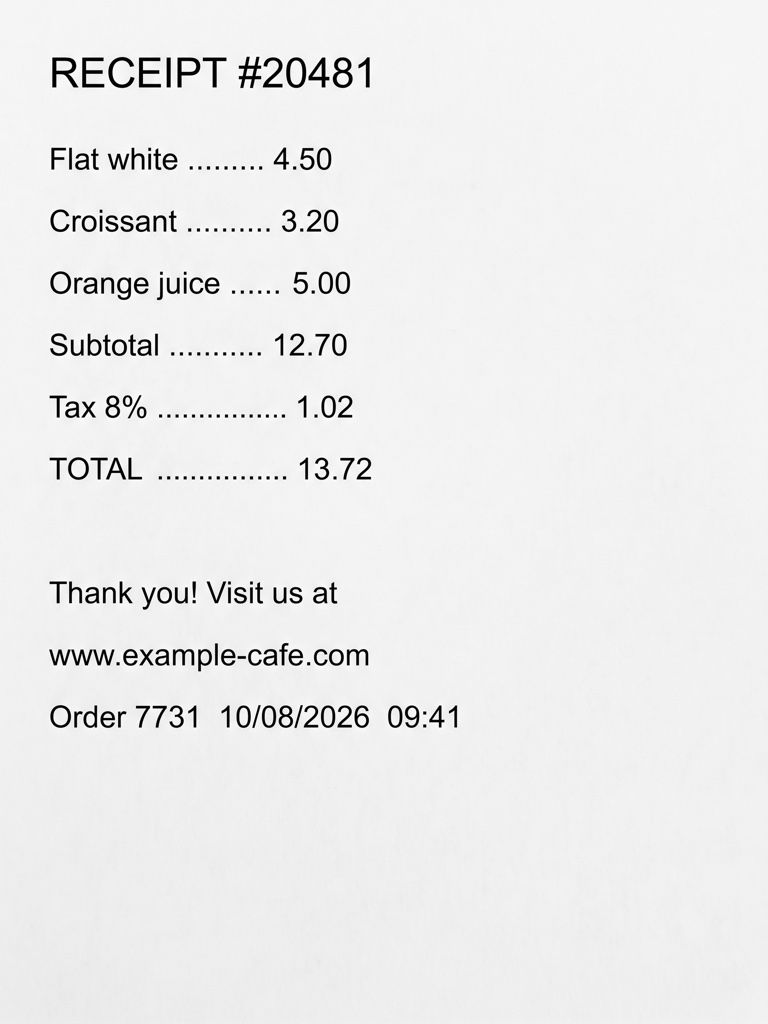
Out-of-focus text
Receipts, documents, screenshots. Always double-check the numbers.
Real results
Every kind of blur, its own fix
Real test photos, untouched on the left. We check what went wrong with the shot and pick the fix for it.
What it’s for
Made for the photos you actually have
Low-resolution pictures
Images from old phones, thumbnails and pictures saved from the web look fine small and fall apart when you zoom. The AI redraws clean edges at full size.
Compressed images
Photos sent through chat apps or saved again and again pick up blocks, halos and smudged color. The result removes the artifacts and keeps the picture.
Screenshots and text
A screenshot of a slide, a menu or a document that is hard to read. Text mode makes letters sharp and keeps every character as written.
Soft product and listing photos
A slightly soft picture of something you want to sell or show. Clearer edges and texture make it look like it was taken with a better camera.
How to make an image clearer
Three steps, about half a minute
Add the image
Pick, drop or paste a JPG, PNG, WEBP or HEIC image up to 20 MB. Screenshots can be pasted straight from the clipboard.
Choose how clear
The tool picks a mode, Text for screenshots and documents. Choose Standard, Pro or 4K depending on how big you need the result.
Compare and download
Check the clearer image against the original at full size, then download it as PNG, JPG or WEBP.
Why UnblurPix
Sharp, honest and private
Clearer, and bigger if you want
Standard comes back at 2K and 4K at 4K, so a small image gets both sharper and larger.
Text stays as written
Text mode tells the AI to make letters legible without changing a single character. Always check the numbers that matter.
Paste a screenshot
Copy a screenshot and paste it on the page. No need to save it as a file first.
Free with no watermark
Standard is free 2 times a day without an account, with no watermark on the result.
Pricing
Free every day. Pay only for more
Standard unblurs are free. Credits are for Pro, 4K and going past the daily limit.
Privacy
Your photos stay yours
Family pictures and screenshots are personal. Here’s exactly what happens to them.
- Free photos and results are deleted after 24 hours (7 days if you used credits, so you can come back to them).
- We don’t use your photos to train AI, and we pick AI providers that don’t allow training on them either.
- Download links are private and expire after 60 minutes.
- Operated by Arrayon Inc. Read the privacy policy.
What makes an image look unclear
An image can be unclear for reasons that have nothing to do with a shaky hand.
It is too small. A picture that was taken or saved at a low resolution has few pixels to show detail. Shown bigger than it is, every edge turns into steps or mush.
It was compressed. Every time a JPG is saved, sent through a chat app or uploaded to a social site, some detail is thrown away to keep the file small. You get square blocks in flat areas, halos around edges and colors that bleed into each other.
It was soft to begin with. Cheap lenses, dirty lenses, digital zoom and noise reduction all leave a picture that is sharp nowhere, even if nothing moved.
It is a screenshot of something else. A screenshot of a photo, a video or a shared document is a copy of a copy. It keeps what was on the screen, at the screen’s size, and nothing more.
How UnblurPix makes a picture clearer
A classic sharpen filter can only raise the contrast along edges that are already there. On a small or compressed image that makes blocks and halos stand out more. UnblurPix sends the picture to an AI model that redraws it at a higher resolution, with clean edges and fine texture where the original only hinted at them, and tells it to keep the layout, colors and content the same.
Before that, your browser checks the image for text and faces and picks a mode. Screenshots, documents and signs usually get Text mode, which asks the AI to keep every letter and number exactly as written. Pictures with people get Portrait mode. After the result comes back, it is compared with your original, and if it drifted, UnblurPix redoes it once for free.
Clearer images from screenshots and documents
Text is where clarity matters most and where mistakes cost most. Text mode is built to keep the words the same, so a menu, a slide or a scanned page becomes easier to read without new words appearing. Still, the AI sharpens what it sees; it can’t know a digit that was already a blur. Read prices, dates, phone numbers and names against the original before you use them.
For the best result with text, crop to the part you need, so the letters take up more of the picture, and paste the screenshot directly rather than a photo of a screen.
Picking the size you need
Standard returns a 2K image and is free 2 times a day without an account, or 4 with a free account. That is plenty for sharing, slides and most web pages.
Pro costs 3 credits and runs two AI models, so you can keep the clearer of two versions. 4K costs 6 credits and returns a 4K image for prints, banners and large screens.
When you download, choose PNG for screenshots and text, JPG for photos you want to keep small, or WEBP for the web.
What clarity can’t bring back
Making an image clearer rebuilds plausible detail; it doesn’t recover what was never in the file. A tiny thumbnail of a crowd won’t show who was in it, and a badly compressed scan won’t reveal a word that was already lost. The AI may draw something that looks right but isn’t, so don’t treat a clearer image as a more accurate record than the original.
It also won’t undo deliberate hiding. Watermarks on images you don’t own, and text, faces or number plates blurred or pixelated on purpose, stay as they are; our terms don’t allow using UnblurPix to reveal them.
FAQ
Questions people ask
How do I make an image clearer for free?
Upload or paste it here and start. Standard is free: 2 images a day without an account and 4 with a free account, in 2K with no watermark.
How do I make a picture clearer without losing quality?
Start from the best copy you have, ideally the original file, not a screenshot or a copy from a chat app. The result is a new, clearer image; your original is never changed.
Is making an image clearer the same as upscaling?
Not quite. Upscaling makes an image bigger; on its own, the result is just as soft. Here the AI rebuilds edges and texture, and the result also comes out at a larger size, so it is both clearer and bigger.
Can it make blurry text readable?
Often, if the letters can still be told apart in the original. Text mode keeps the text as written, but the AI can’t know a character that is completely unreadable. Check names and numbers against the original before you rely on them.
Can it make a screenshot clearer?
Yes. Paste or upload the screenshot. For screenshots of text, Text mode is usually picked for you. Screenshots of photos work too, but a screenshot holds less detail than the original photo.
Why does a picture look worse after I send it in a chat app?
Most chat apps shrink and compress pictures to save data. That adds blocks and smudges and removes fine detail. Clearing it up works, but sending the original file is better when you can.
Which output format should I choose?
PNG keeps every pixel and suits screenshots and text. JPG is smaller and fine for photos. WEBP is small and sharp, and most websites accept it.
Can it make a watermarked or censored image clear?
No. UnblurPix doesn’t remove watermarks from images you don’t own or reveal text or faces that were blurred or pixelated on purpose. That detail is gone, and our terms don’t allow it.
Got a blurry photo right now?
Try it on one picture. It’s free, and it takes about half a minute.