Blurry in. Sharp out.
Unblur Photo
Upload a blurry photo of people and get sharp eyes, hair and skin back, without changing who is in it.
or drop it anywhere · paste with Ctrl + V
Gallery
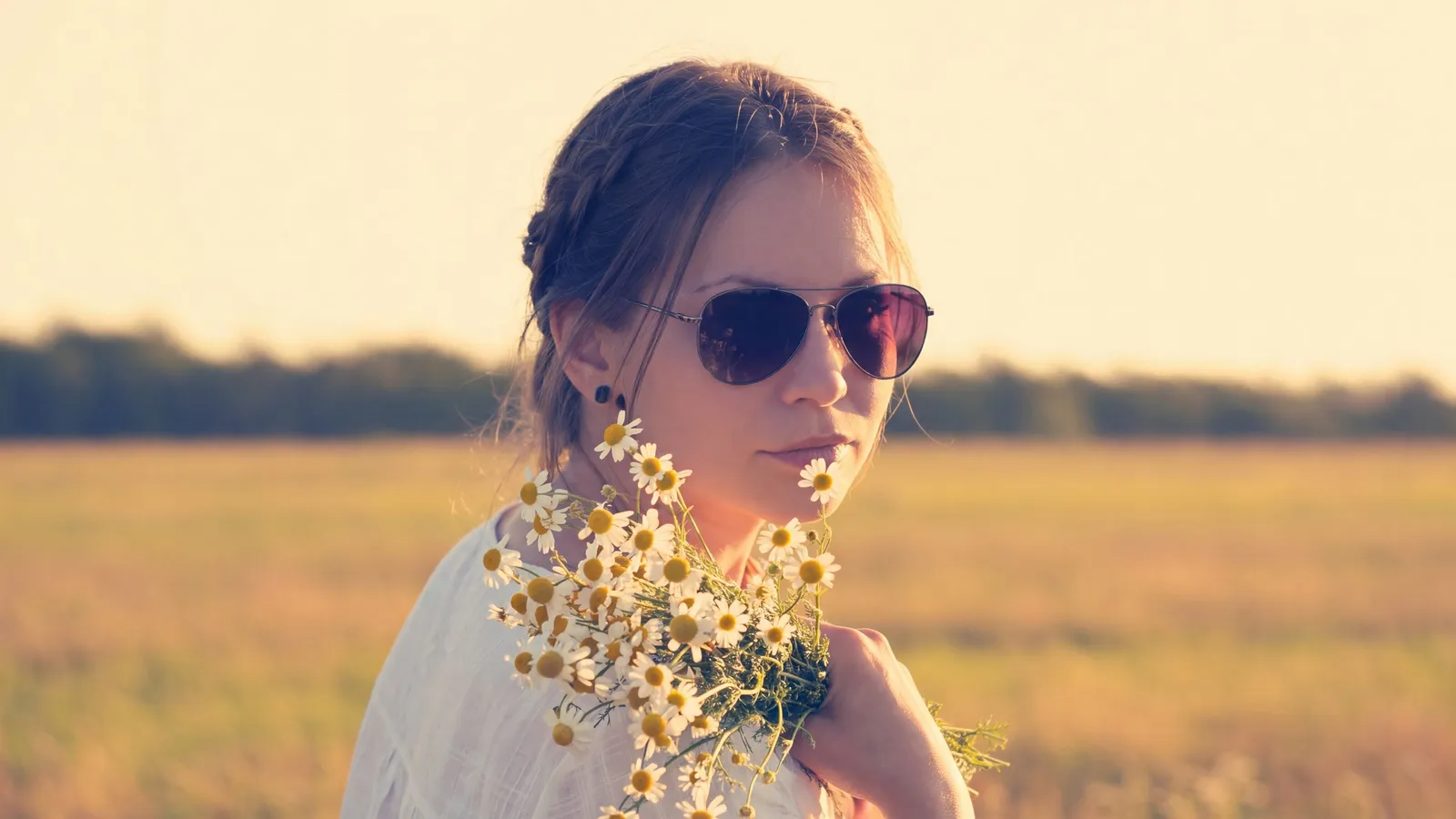
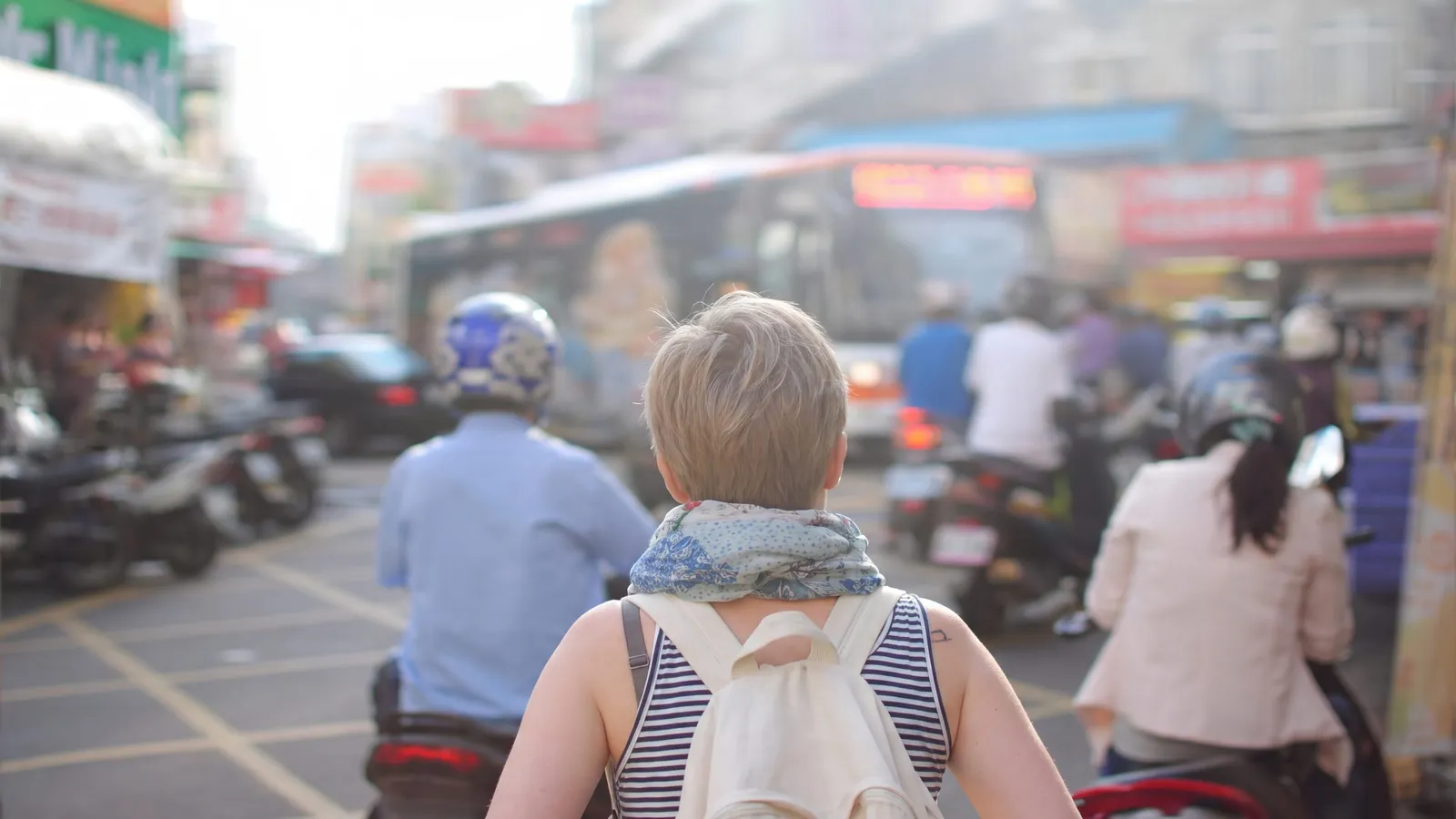
Real photos, fixed by UnblurPix
Hover any card to see the photo as it came in.
-
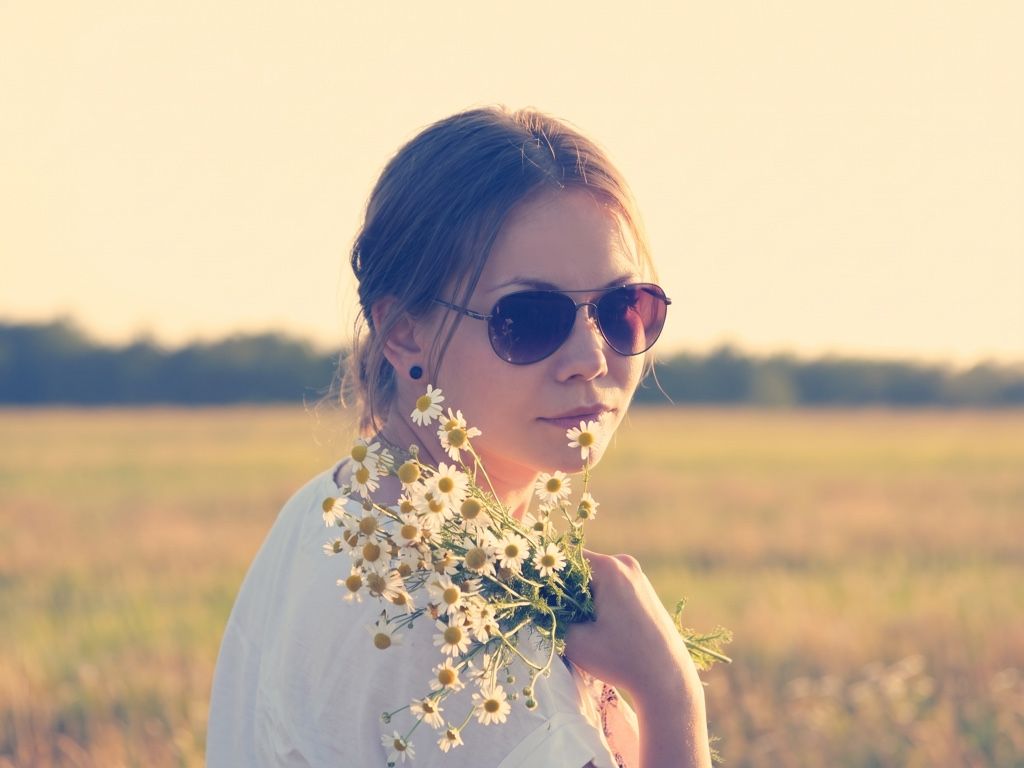 After Before
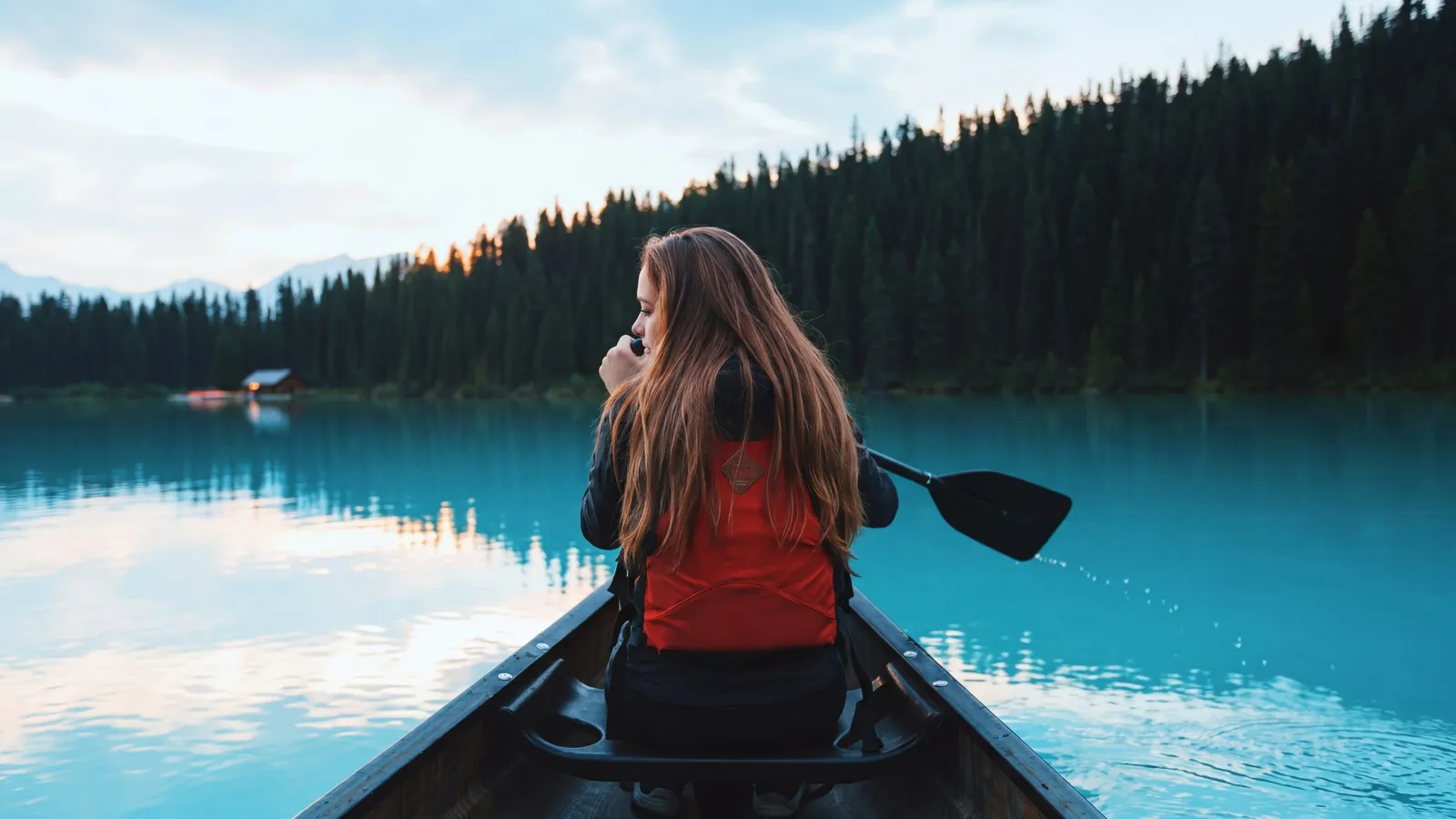
Motion blur
Shaky hands, moving subjects, night shots.
-
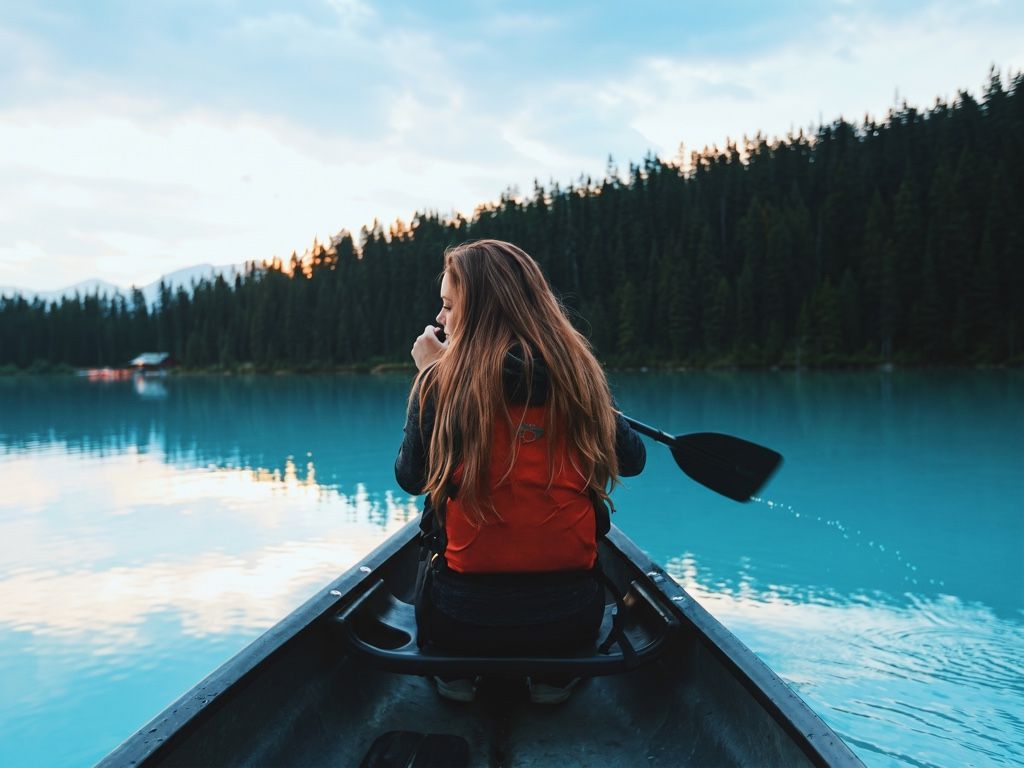 After Before
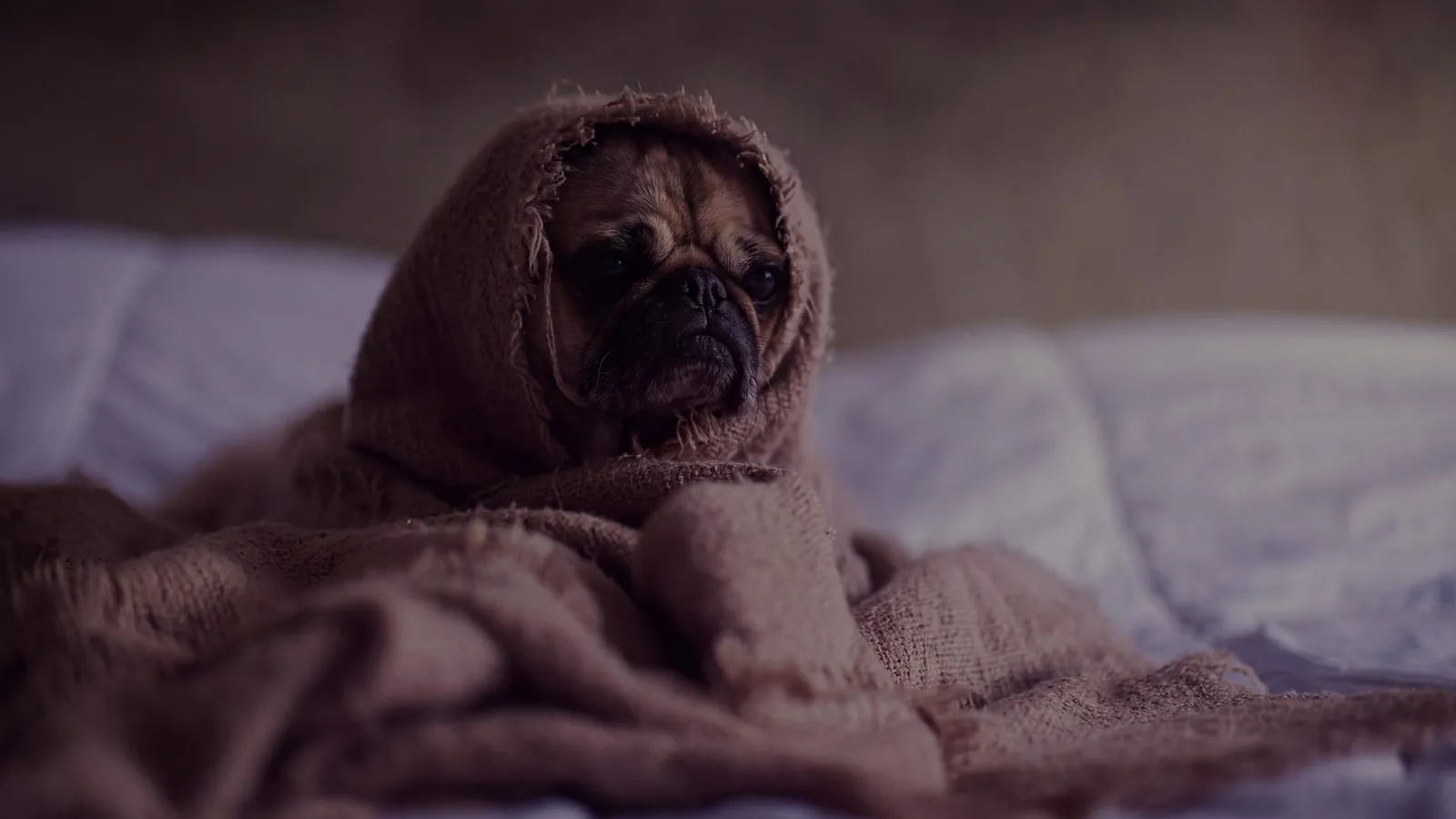
Blurry and low-res
Old phones, zoomed-in shots, images saved too many times.
-
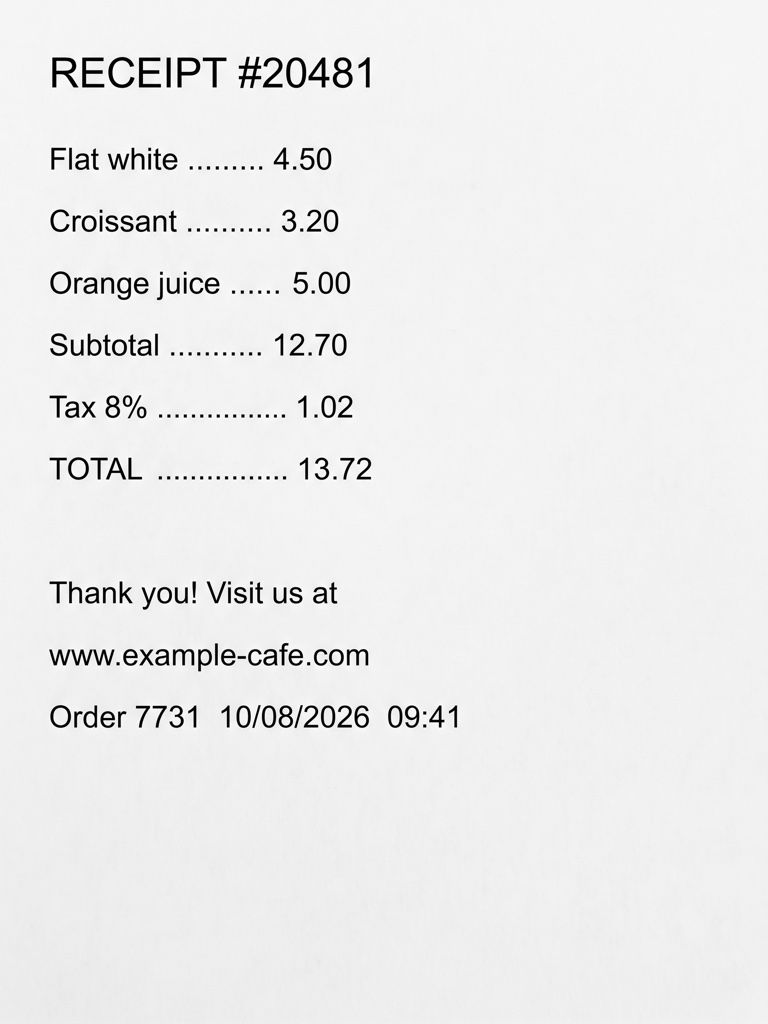 After Before
Out-of-focus text
Receipts, documents, screenshots. Always double-check the numbers.
Real results
Every kind of blur, its own fix
Real test photos, untouched on the left. We check what went wrong with the shot and pick the fix for it.
What it’s for
Made for the photos you actually have
Group photos where someone moved
One person turned their head just as the shutter fired. Portrait mode sharpens every face in the group and keeps each one the person it was.
Kids and pets that never sit still
Little ones and animals move faster than a phone camera expects. The AI removes the smear from faces and fur while the pose stays exactly as captured.
Selfies and indoor shots in dim light
A dark room means a slow shutter and soft faces. Unblurring brings back eyes, eyebrows and the edges of hair that the dim light washed out.
Family photos for printing and sharing
A favorite picture that looks fine on a phone but fuzzy on a big screen or a print. Pro and 4K give you more to work with for frames and albums.
How to unblur a photo
Three steps, about half a minute
Pick a people photo
Upload a JPG, PNG, WEBP or iPhone HEIC up to 20 MB. Your browser finds the faces and chooses Portrait mode for you.
The AI sharpens it
The photo goes to an AI model told to keep every person’s identity, expression and skin texture. Then we check that no face moved or changed.
Check the faces and save
Zoom in on the eyes, compare with the slider and brush back any spot you prefer as it was. Download in full resolution.
Why UnblurPix
Sharp, honest and private
Faces stay the same people
After every result we compare faces with your original. If a face shifted or changed shape, UnblurPix redoes the photo once for free.
Portrait mode by default
This page starts in Portrait mode, which tells the AI to keep eyes, expression and skin texture exactly and not to beautify anyone.
Two versions to choose from
Pro costs 3 credits and runs two AI models on the same photo, so you can keep the version where faces look most natural.
Free, no watermark
Standard is free 2 times a day without an account, in full 2K with no watermark.
Pricing
Free every day. Pay only for more
Standard unblurs are free. Credits are for Pro, 4K and going past the daily limit.
Privacy
Your photos stay yours
Family pictures and screenshots are personal. Here’s exactly what happens to them.
- Free photos and results are deleted after 24 hours (7 days if you used credits, so you can come back to them).
- We don’t use your photos to train AI, and we pick AI providers that don’t allow training on them either.
- Download links are private and expire after 60 minutes.
- Operated by Arrayon Inc. Read the privacy policy.
Why faces are the hardest part to unblur
People notice faces first. A slightly soft tree or wall goes unseen, but a blurry eye or a smeared mouth ruins the whole picture. Faces are also where generic sharpening fails worst: an old sharpen filter raises contrast along every edge, so pores turn into noise and eyelashes into hard lines, while the eye itself stays soft.
An AI model works differently. It looks at the whole face and redraws the fine detail the blur hid: the edge of the iris, single strands of hair, the line of the lips. The risk is the opposite one. A model that is free to redraw can also drift, giving someone slightly different eyes or a smoother, younger face. That is why UnblurPix treats people photos with extra care.
How Portrait mode keeps people looking like themselves
When you pick a photo here, your browser looks for faces before anything is uploaded. On this page the tool starts in Portrait mode, which adds one instruction to the AI: keep each person’s identity, expression, eyes and skin texture exactly as they are, and do not beautify.
When the result comes back, we compare it with your photo. The layout has to line up, the colors have to stay close, and every face found in your original has to be in the same place with the same shape. If a face moved or changed, UnblurPix asks another model to redo the photo once, for free, and shows you both versions.
You still have the final word. The comparison slider lets you check each face at full size. The Fidelity slider blends the result back toward your original if it went too far, and the Restore brush paints the original back into any spot, for example a mouth you want left exactly as it was.
Which tier to use for people photos
Standard gives a full 2K result from one AI model and is free 2 times a day, or 4 with a free account. It is enough for most phone photos you want to share.
Pro costs 3 credits. Two different AI models work on the same photo and you see both results side by side. For faces this matters most: one model may get the eyes right and the other the hair, and you keep the one that looks most like the real moment.
4K costs 6 credits and gives a 4K result, for photos you plan to print large or frame.
Getting the best result from a portrait
- Start from the original file. A screenshot or a photo forwarded through a chat app has been shrunk and compressed, which removes the detail the AI uses to rebuild a face.
- Crop to the people. If the picture is mostly background, crop around the faces before you start. The AI spends its attention where you point it.
- Look at the eyes first. Zoom in on the eyes in the comparison view. If they look painted on, lower the Fidelity slider or try Pro for a second opinion.
- Keep it believable. Choose the version that looks most like the person, not the sharpest one.
What unblurring a photo can and can’t do
AI unblurring rebuilds plausible detail from what is still visible. It does not recover lost information. When a face is clear enough to recognize in the original, the result will be the same person, only sharper. When a face is a smudge of a few pixels, any model can only guess, and the result is a face that fits the photo rather than a record of who was there. Don’t treat such a result as evidence.
It also can’t undo deliberate hiding. A face or a number plate that was pixelated or blurred on purpose has had its detail thrown away, and our terms don’t allow using UnblurPix to unmask people who chose to stay hidden, or to remove watermarks from pictures you don’t own.
Photos of people and your privacy
Photos of people are personal. Your photo goes to our storage and to the AI provider only to make your result, and we don’t use it to train AI. Free photos and results are deleted after 24 hours, or kept for 7 days if you used credits. Only you can open your download links, and they expire after 60 minutes. Please only upload photos you have the right to use.
FAQ
Questions people ask
Can I unblur a photo for free?
Yes. Standard unblurs are free, 2 a day without an account and 4 a day with a free account, with no watermark. Pro and 4K use credits, and the button shows the cost before you start.
Will the person still look like themselves?
That is what Portrait mode is for. The AI is told to keep identity, expression and skin texture, and every result is checked against your photo for faces that moved or changed shape. If one did, we redo it once for free.
Does it make skin look smooth or airbrushed?
It shouldn’t. Portrait mode asks the AI not to beautify. If a result still looks too smooth, move the Fidelity slider toward the original, or paint the original skin back with the Restore brush.
Can it unblur a face that is very small in the picture?
Only up to a point. If a face is just a few pixels wide in the original, there is too little left to show who it is, and the AI would have to guess. You get a sharper face, but not proof of what that person really looked like.
Can it reveal a face or a plate that was pixelated or blurred on purpose?
No. A face, number plate or document that someone pixelated or blurred to hide it can’t be recovered, because the information is gone; the AI would only invent something. Our terms also don’t allow using UnblurPix to unmask people who chose to stay hidden, or to remove watermarks from images you don’t own.
Can I unblur photos of other people?
Yes, as long as you have the right to use the photo, for example your own family pictures. Don’t upload photos of people to change or expose them without their consent.
Does it work with iPhone photos?
Yes. HEIC photos from an iPhone upload as they are. Open the page in Safari, tap Upload photo, and save the result to Photos when it is done.
Can I choose a different mode?
Yes. Portrait is only the starting point on this page. If the blur comes from movement, try Motion; for a photo of a sign or a document, Text works better.
Got a blurry photo right now?
Try it on one picture. It’s free, and it takes about half a minute.